The richest material comes from the guest and the people around them, not a search engine. Presearch collects it before you ever sit down.
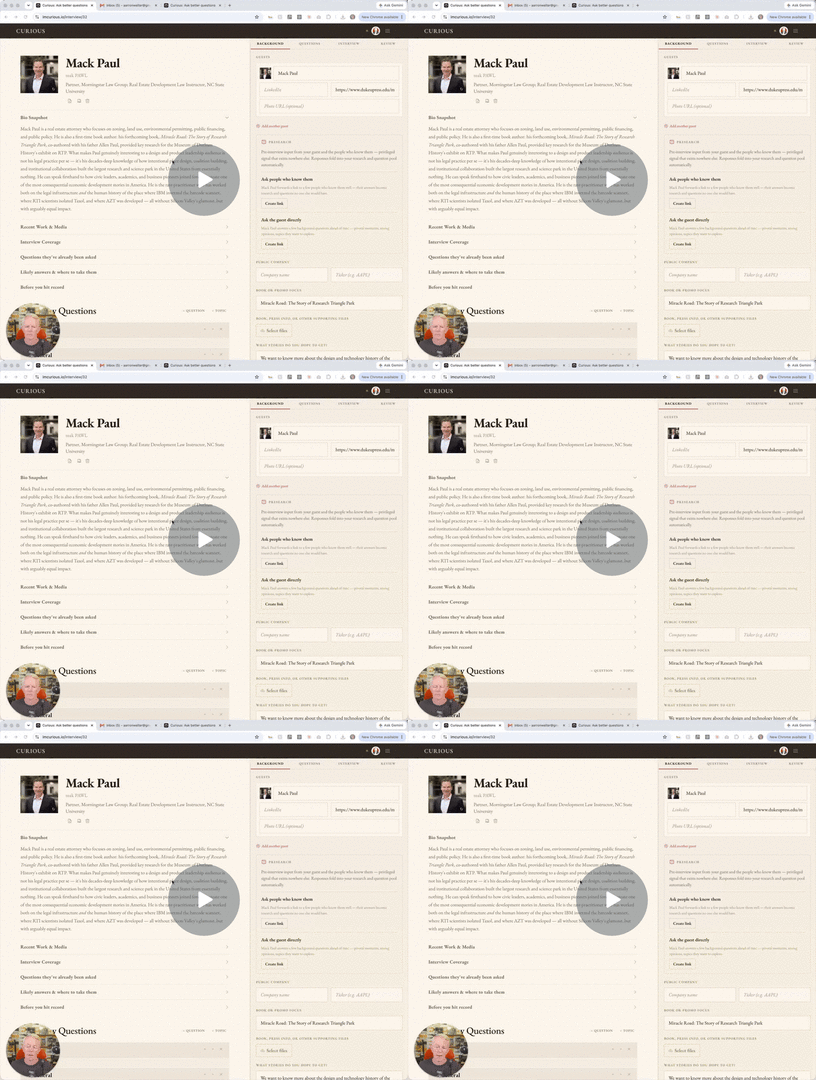
Set it up
- Open an interview and go to the Background tab.
- Find Presearch and create a link for ask the guest, for ask people who know them, or both.
- Copy the link (or the ready-made note) and send it to your guest to share.
What happens next
- Answers arrive on their own. Curious folds them into your research and adds a highlighted Presearch group at the top of your question pool.
- Open View responses to read what came in. Exclude any response you don't want in the synthesis; it re-runs on its own.
Tip: the backchannel (people who know your guest) surfaces stories and "questions someone should finally ask" that exist nowhere else.