Skip setting up docs by hand. Curious can create them from your email and calendar.
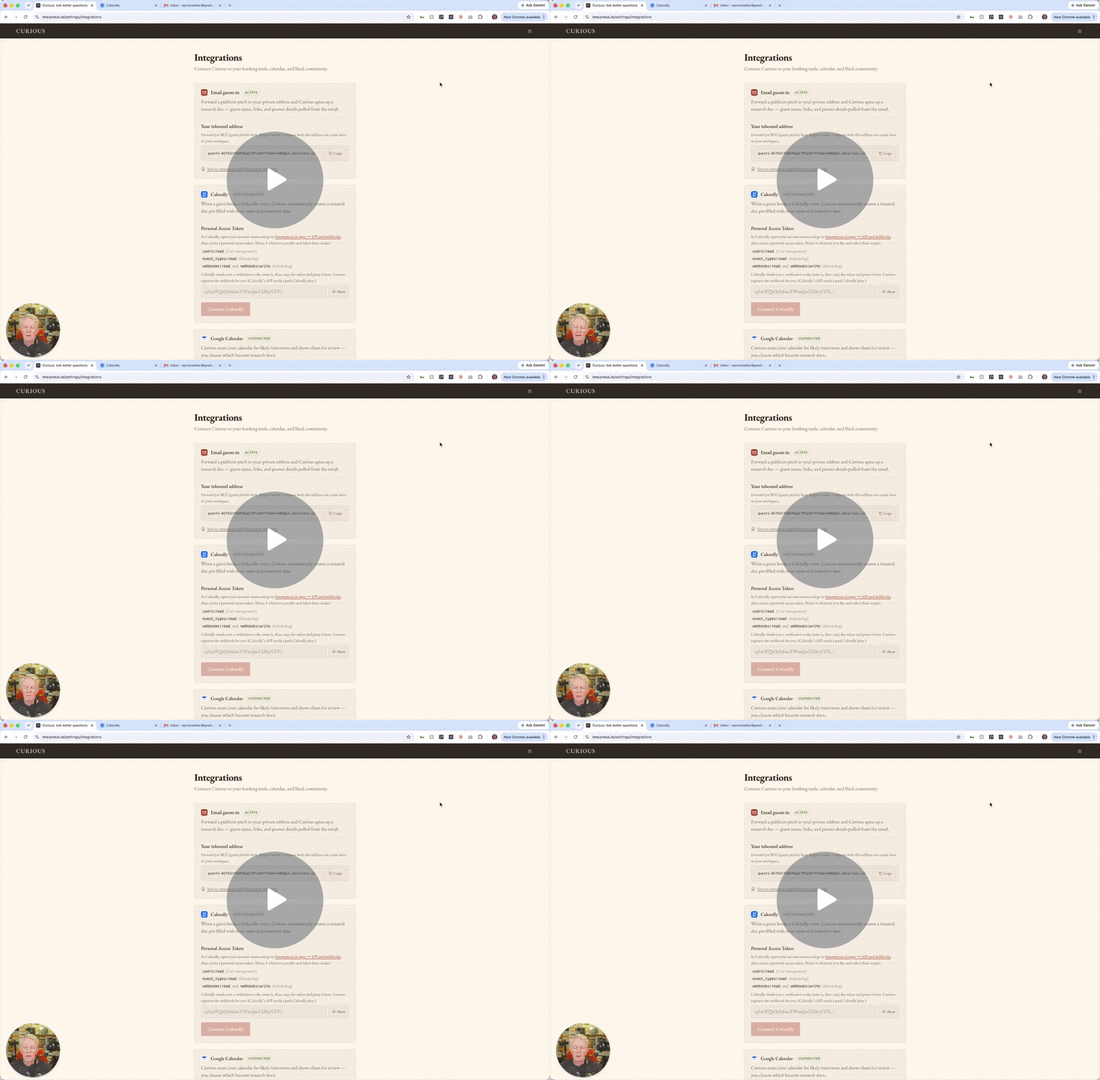
Forward a pitch email
- In Settings, Integrations, find your private email-in address and save it to your contacts.
- Forward any booking or pitch email to it. Curious reads it and creates the interview doc, guest and all.
- If the email has a PDF (media kit, one-pager), Curious pulls it into the research too.
Connect a calendar
- Google Calendar: connect it and Curious surfaces likely interviews for you to import (you choose which).
- Calendly: connect it and new bookings become interview docs automatically, dated and ready. Point Curious at a single event type to keep other meetings out.
Tip: whatever comes in is a starting point. Open the doc and click Generate to run the full research.